
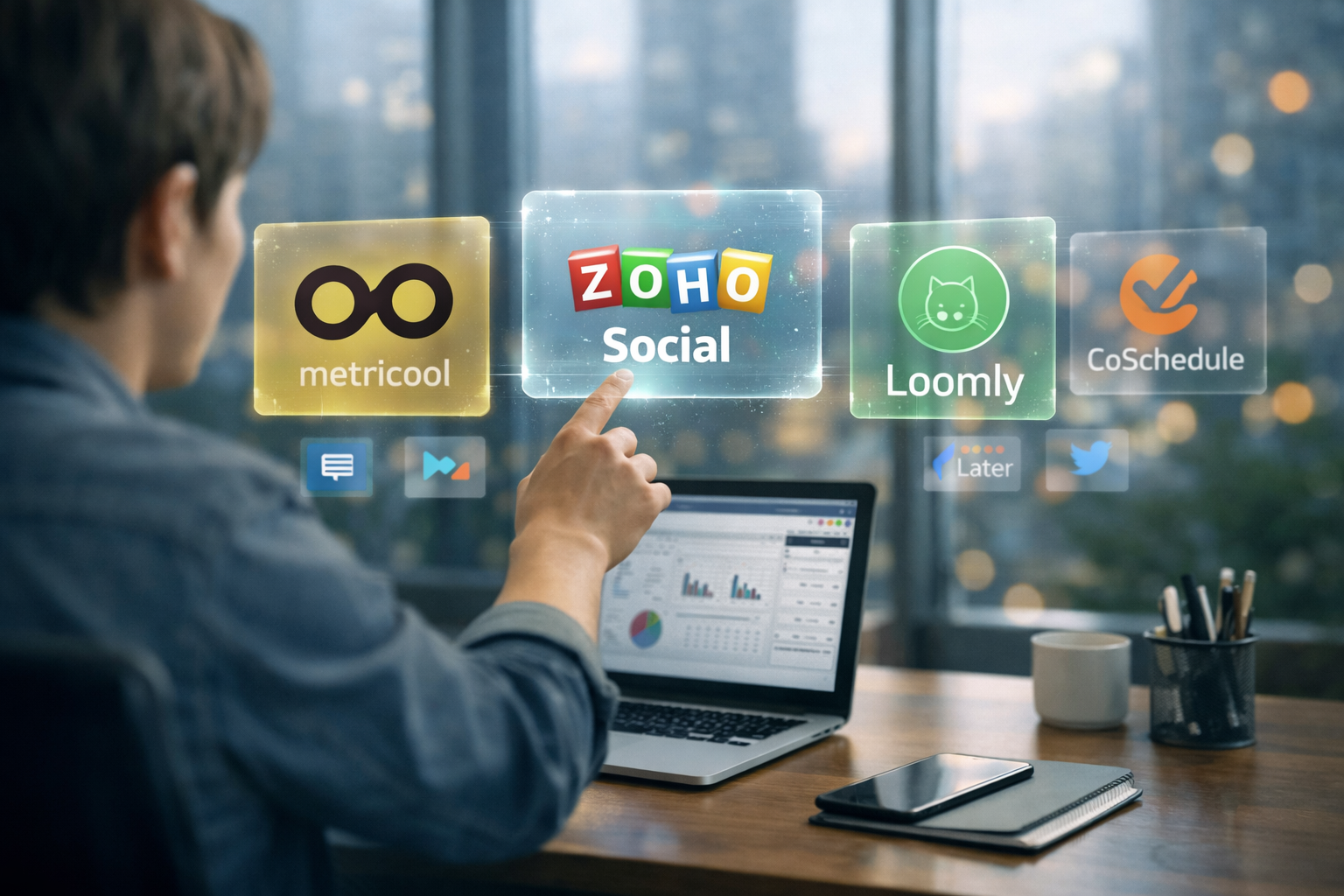
Managing multiple social media accounts can quickly become a hassle, especially when you’re using a tool that comes with a hefty price tag. Luckily, there are plenty of free Hootsuite alternatives out there that can make your life a whole lot easier without breaking the bank. In this list, we’re diving into some of the top free options, each offering unique features that’ll help streamline your social media strategy. Whether you’re a small business owner or just looking to stay organized, you’ll find a tool that suits your needs right here. Let’s take a closer look at these free alternatives, starting with the top picks.
1. Buffer

Buffer offers a robust set of tools designed for social media management, allowing users to publish content across various platforms like Facebook, Instagram, TikTok, LinkedIn, and more. With a user-friendly interface, Buffer makes it easy to schedule posts, engage with your audience, and analyze your social media performance. Its features include a content calendar, an AI assistant for content creation, and tools for engaging with comments from multiple platforms in one place. Buffer’s strength lies in its ability to integrate with a wide range of social platforms and streamline the process of managing and optimizing social media campaigns.
Key Highlights:
- Supports multiple social media platforms like Facebook, Instagram, TikTok, and more.
- Content scheduling, calendar view, and engagement management tools.
- AI Assistant for content creation and post refinement.
- Unified inbox for managing comments across platforms.
Who it’s best for:
- Small businesses looking to streamline their social media efforts.
- Content creators need an easy way to schedule posts and engage with their audience.
- Teams collaborating on social media strategies and content creation.
Contact information:
- Website: buffer.com
- App Store: apps.apple.com/ua/app/buffer-plan-schedule-posts/id490474324
- Google Play: play.google.com/store/apps/details?id=org.buffer.android&pcampaignid=web_share
- Linkedin: www.linkedin.com/company/bufferapp
- Twitter: x.com/buffer
- Facebook: www.facebook.com/bufferapp
- Instagram: www.instagram.com/buffer
2. Metricool

Metricool combines social media scheduling, analytics, and reporting in one easy-to-use dashboard. It allows users to plan and schedule posts across various platforms, with a drag-and-drop calendar that simplifies the process. The platform also provides automated content generation using its AI assistant, saving users time and effort. Additionally, Metricool offers detailed reports and analytics to track social media performance and optimize content strategies. It’s a great choice for businesses looking to improve their social media presence without the complexity of other tools.
Key Highlights:
- All-in-one platform for scheduling, analytics, and reporting.
- AI-powered content assistant for content creation.
- Real-time performance tracking with easy-to-read reports.
- User-friendly interface with drag-and-drop scheduling.
Who it’s best for:
- Businesses seeking an intuitive social media management tool.
- Social media managers who want to simplify content creation and scheduling.
- Teams looking for clear, actionable analytics to improve their social media strategy.
Contact information:
- Website: metricool.com
- Linkedin: www.linkedin.com/company/metricool
- Twitter: x.com/metricool
- Instagram: www.instagram.com/metricoolapp
- Facebook: www.facebook.com/metricoolEN
- Google Play: play.google.com/store/apps/details?id=com.ionicframework.metricool185346&pcampaignid=web_share
- App Store: apps.apple.com/ua/app/metricool/id1072510529
3. Zoho Social
Zoho Social offers a range of social media management features designed to help users schedule, publish, and analyze posts across various platforms. The platform provides a flexible content calendar, allowing users to plan and organize posts efficiently. Zoho Social also includes a monitoring dashboard that helps users track mentions and engagement in real-time. It provides powerful analytics and reporting tools to evaluate performance and improve social media strategies. With its easy-to-use interface, Zoho Social is well-suited for both businesses and agencies looking to enhance their social media presence.
Key Highlights:
- Content scheduling with an intuitive calendar view.
- Real-time monitoring of mentions and engagement.
- Customizable reporting and analytics to track performance.
- Multi-platform support including Instagram, LinkedIn, Facebook, and more.
Who it’s best for:
- Small businesses looking to improve social media organization.
- Agencies managing social media for multiple clients.
- Users who need easy-to-read analytics and custom reports.
Contact information:
- Website: www.zoho.com
- Phone: +1 877 834 4428
- Email: [email protected]
- Address: 979 Springdale Rd, Suite 123, Austin,TX 78702
- Linkedin: www.linkedin.com/showcase/zohosocial
- Twitter: x.com/zohosocial
- Facebook: www.facebook.com/zohosocial
- Instagram: www.instagram.com/zohosocial
4. Planable

Planable focuses on collaboration and approval workflows for social media teams. It allows users to create, schedule, and approve posts in a straightforward, user-friendly interface. The platform’s unique feature is its approval system, which makes it easy for teams and clients to provide feedback and approve content before publishing. Planable’s visual content calendar helps users stay organized and plan their posts efficiently. This tool is ideal for teams and agencies looking for a seamless content creation and approval process, making it easier to work together and keep track of content across different social media platforms.
Key Highlights:
- Intuitive content creation and approval workflows.
- Visual content calendar for easy planning and organization.
- Team collaboration features with feedback and annotation tools.
- Simplified social media scheduling and management.
Who it’s best for:
- Teams and agencies that need an efficient content approval system.
- Small businesses looking for a simple, visual platform to manage posts.
- Marketing professionals who prioritize collaboration and feedback loops.
Contact information:
- Website: planable.io
- App Store: apps.apple.com/ua/app/planable-social-media-planner/id1437715174
- Google Play: play.google.com/store/apps/details?id=com.planable&pcampaignid=web_share
- Facebook: www.facebook.com/planable.io
- Twitter: x.com/planableapp
- LinkedIn: www.linkedin.com/company/planableapp
- Instagram: www.instagram.com/planableapp
5. Publer

Publer provides a straightforward platform for managing and scheduling social media posts. It allows users to create and schedule content across multiple platforms, including Instagram, Facebook, LinkedIn, and more. Publer’s content calendar helps users visualize their posts, while its AI assistant can generate captions and content ideas. The platform also offers tools for recycling and repurposing top-performing posts to keep content fresh. Additionally, Publer provides analytics to track the performance of posts, making it easier to adjust strategies for better engagement.
Key Highlights:
- Scheduling and content management across multiple social media platforms.
- AI assistant for content creation and caption generation.
- Content recycling to maximize engagement.
- Analytics to measure performance and adjust strategies.
Who it’s best for:
- Businesses and agencies managing multiple social media accounts.
- Social media managers looking for a simple and intuitive content scheduling tool.
- Creators and small businesses aiming to streamline their social media workflows.
Contact information:
- Website: publer.com
- App Store: apps.apple.com/ua/app/publer-social-media-tools/id1571680865
- Google Play: play.google.com/store/apps/details?id=io.publer&pcampaignid=web_share
- E-mail: [email protected]
- Facebook: www.facebook.com/publer
- LinkedIn: www.linkedin.com/company/publer
- Instagram: www.instagram.com/publer
6. Loomly
Loomly is a social media scheduling platform that simplifies the process of creating, scheduling, and managing posts. Its visual content calendar makes it easy for users to plan their posts and see an overview of their social media strategy. Loomly’s collaboration features allow teams to work together on content creation, with multi-level approval workflows and post suggestions based on trending topics. The platform integrates with tools like Canva and Unsplash, enabling seamless content creation and customization for various social media platforms.
Key Highlights:
- Visual content calendar for easy post management and scheduling.
- Multi-level approval workflows for team collaboration.
- AI-powered post suggestions based on trends.
- Integration with Canva and Unsplash for enhanced content creation.
Who it’s best for:
- Agencies and marketing teams managing multiple client accounts.
- Creators and small businesses in need of an easy-to-use content scheduling tool.
- Teams looking for a platform with advanced approval workflows and collaboration features.
Contact information:
- Website: www.loomly.com
- App Store: apps.apple.com/ua/app/loomly/id1269223446
- Google Play: play.google.com/store/apps/details?id=com.loomly.loomly.android&pcampaignid=web_share
- Facebook: www.facebook.com/Loomly
- Twitter: x.com/LoomlySocial
- LinkedIn: www.linkedin.com/company/loomly
- Instagram: www.instagram.com/loomlysocial
7. Post Planner

Post Planner is designed to simplify the process of content scheduling and curation for social media managers. The platform provides AI-driven content suggestions to ensure posts are engaging and relevant. It also allows users to schedule posts across multiple platforms like Facebook, Instagram, and LinkedIn. Post Planner’s content curation tool helps users find high-performing content in their industry, which can be reused and recycled for ongoing engagement. Its social media analytics tools help track post performance and optimize strategies for better results.
Key Highlights:
- AI-driven content curation and post scheduling.
- Social media analytics to track performance and optimize strategies.
- Content recycling to maximize engagement with top-performing posts.
- Multi-platform support including Facebook, Instagram, and LinkedIn.
Who it’s best for:
- Small businesses and freelancers looking to streamline social media management.
- Social media managers focused on content curation and engagement.
- Users who want to save time with automated post scheduling and recycling of content.
Contact information:
- Website: www.postplanner.com
- App Store: apps.apple.com/ua/app/post-planner-for-social-media/id1573125897
- Google Play: play.google.com/store/apps/details?id=com.postplanner.app&pcampaignid=web_share
- Linkedin: www.linkedin.com/company/post-planner
- Instagram: www.instagram.com/postplanner
- Twitter: x.com/PostPlanner
- Facebook: www.facebook.com/postplanner
8. CoSchedule
CoSchedule offers a comprehensive social media marketing calendar, designed to help users plan, schedule, and track their content with ease. The platform integrates various marketing tools into one cohesive calendar, allowing businesses to manage everything from social media posts to blog articles. CoSchedule’s features include customizable workflows for content approval, real-time collaboration with team members, and detailed performance tracking. It’s a great option for users who need to organize marketing efforts and track progress across multiple platforms.
Key Highlights:
- Unified marketing calendar for scheduling and organizing posts across channels.
- Collaboration and approval workflows for team efficiency.
- Customizable reports to track the success of social media campaigns.
- Integration with popular platforms such as Facebook, Instagram, and LinkedIn.
Who it’s best for:
- Marketing teams looking for an organized content calendar to manage campaigns.
- Agencies that need to streamline social media and content marketing tasks.
- Small to medium-sized businesses seeking an easy way to schedule and track social media efforts.
Contact information:
- Website: coschedule.com
- Linkedin: www.linkedin.com/company/coschedule
- Instagram: www.instagram.com/coschedule
- Twitter: x.com/coschedule
- Facebook: www.facebook.com/coschedule
Conclusion
In conclusion, if you’re looking for a free alternative to Hootsuite, there are plenty of solid options out there that can help you manage your social media without the cost. Tools like ContentStudio, CoSchedule, and Post Planner provide a variety of features that can streamline your workflow, from scheduling and analytics to collaboration and content curation. Each tool offers something unique, whether it’s AI-powered content creation or customizable social media calendars. Ultimately, the best choice for you will depend on your specific needs and the social media platforms you manage. Give one of these tools a try and see how it fits into your strategy—chances are, you’ll find one that works just as well, if not better, than the paid alternatives.