

OpenClaw isn’t just another AI tool – it’s a multitasking sidekick that runs on your own terms. It doesn’t just answer questions, it gets things done. From clearing inboxes and filing receipts to building apps while you sleep, users have turned OpenClaw into everything from a family assistant to a devops butler.
In this guide, we’re skipping the fluff and diving into real examples, what OpenClaw is doing in people’s lives right now. Whether you’re curious about what’s possible or looking to build your own agent setup, you’ll get a grounded look at the workflows, hacks, and weirdly impressive automations folks are already running. Let’s get into it.
What Is OpenClaw and Why People Use It
OpenClaw is a self-hosted AI automation gateway that connects your chat apps to agents that can actually take action. Not just reply, not just summarize. Act. That might mean controlling smart home devices, answering emails, managing your calendar, or running a cron job at 6 AM to ping you with the weather and your to-dos. It can also be configured to create GitHub issues when integrated with the right API.
Some common automations include summarizing pull requests, monitoring CI pipelines, and even publishing packages when set up with the appropriate build workflows.
Unlike cloud-based assistants or LLM playgrounds, OpenClaw runs on your terms. It lives on your device or server. It can send and receive messages through apps like WhatsApp and Telegram, and, if configured with third-party bridges, can respond to SMS as well.
That’s why people are using it to build full-blown personal workflows, developer toolchains, family routines, and business automations.
Real-World Use Cases of OpenClaw in Daily Life and Work
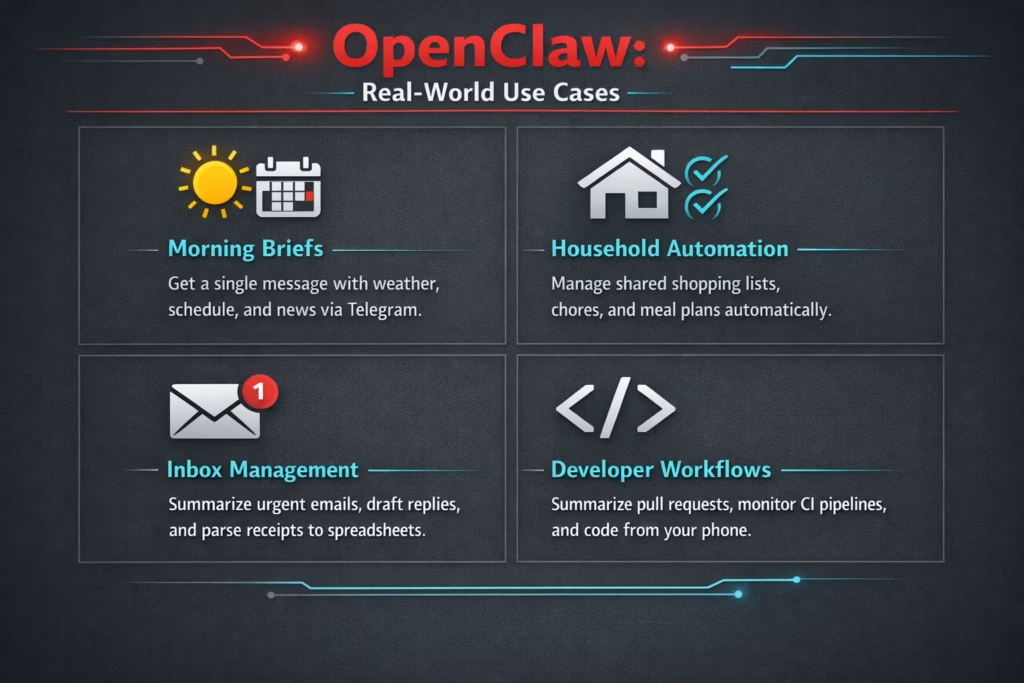
OpenClaw isn’t just about automation. It’s a flexible interface between your natural language and the digital tools you already use. That means people aren’t just automating chores or reminders – they’re building agents that assist with research, manage communication, power home devices, and even help run their businesses.
1. Starting the Day Without Opening Five Apps
One of the first things people automate with OpenClaw is their morning routine. Instead of bouncing between weather apps, calendars, inboxes, and news feeds, everything arrives as a single, concise message at a scheduled time.
A typical morning brief might include:
- Today’s weather forecast.
- The first few calendar events.
- Health metrics if connected.
- A short news summary.
- Reminders pulled from chats.
- Items recently added to a shared grocery list.
It feels like a personal dashboard, except it shows up directly in Telegram, WhatsApp, or Slack.
What makes it more than just a summary is that it’s interactive. You can reply with “move the 10am meeting” or “add milk to the list” and OpenClaw takes action. It’s not just reporting. It’s participating.
2. Shared Household Automation That Actually Works
OpenClaw becomes especially useful in shared living situations. Instead of relying on scattered chat messages, it listens for specific phrases and updates shared systems automatically.
For example, when someone writes “we need detergent,” the agent can add it to a shared shopping list, remove duplicates, and organize items by category.
Families also use it to track chores and responsibilities, send weekly meal plans, remind everyone about garbage night, and coordinate school events and family calendars.
The important detail here is that everything happens inside the chat platforms people already use. No extra apps. No complicated onboarding. It simply integrates into existing conversations.
3. Email and Calendar Automation Without the Chaos
Administrative tasks quietly consume hours every week. OpenClaw helps trim that time by handling small but repetitive actions.
Here’s what that looks like in practice:
- Daily inbox summaries with urgent flags.
- Draft replies for common response patterns.
- Receipt parsing that logs expenses into a spreadsheet.
- Package tracking based on email confirmations.
When connected to a calendar, it can also:
- Detect scheduling conflicts.
- Suggest time blocks.
- Send reminders to partners or team members.
This is where OpenClaw shifts from novelty to practical utility. It reduces cognitive load. You spend less time scanning and more time deciding.
4. Developer Workflows That Extend Beyond the Laptop
OpenClaw has become popular among developers because it allows coding workflows to run through natural language commands.
Some common automations include:
- Summarizing pull requests.
- Monitoring CI pipelines.
- Notifying on failed builds.
- Reviewing logs and identifying root causes.
- Suggesting dependency upgrades.
- Publishing packages.
Several users describe building features entirely from their phones. One common pattern looks like this:
- Describe a feature idea in Telegram.
- The agent writes the code.
- Tests run automatically.
- Pull request opens.
- Notification sent when complete.
Some even run overnight coding sessions where the agent works while they sleep. It’s not magic. It’s orchestration.
5. Writing, Research, and Content Production
OpenClaw is not limited to technical tasks. Many users rely on it for research and writing workflows.
It can help with brainstorming article ideas, expanding outlines into drafts, summarizing long documents, and converting blog posts into multiple formats.
For example, a single long-form article can be transformed into a short social thread, a professional networking post, and a newsletter introduction.
It can also generate daily research briefings based on defined topics. For solo founders or content creators, this becomes a consistency engine rather than a replacement for creativity.
6. Multi-Agent Setups With Defined Roles
A more advanced pattern is assigning different agents specific roles.
Instead of one general assistant, users create multiple agents such as:
- A strategy agent for planning.
- A coding agent for implementation.
- A marketing agent for content ideas.
- A business agent for pricing and metrics.
Each agent runs in its own session with its own memory. Yet they can share context when needed.
This structure mirrors how small teams operate. The difference is that the coordination layer runs through OpenClaw’s routing and session management.
7. Smart Home and Everyday Automation
Some of the most interesting setups happen outside work.
OpenClaw connects to home automation systems and handles simple commands such as turning off lights, locking doors, triggering routines, and sending alerts from cameras.
More creative implementations include monitoring parking spots with image analysis, sending notifications when certain metrics change, and generating playful responses when someone rings the doorbell.
These are not gimmicks. They demonstrate that OpenClaw can connect digital intent with physical systems.
Several More Real-World Scenarios From the Community
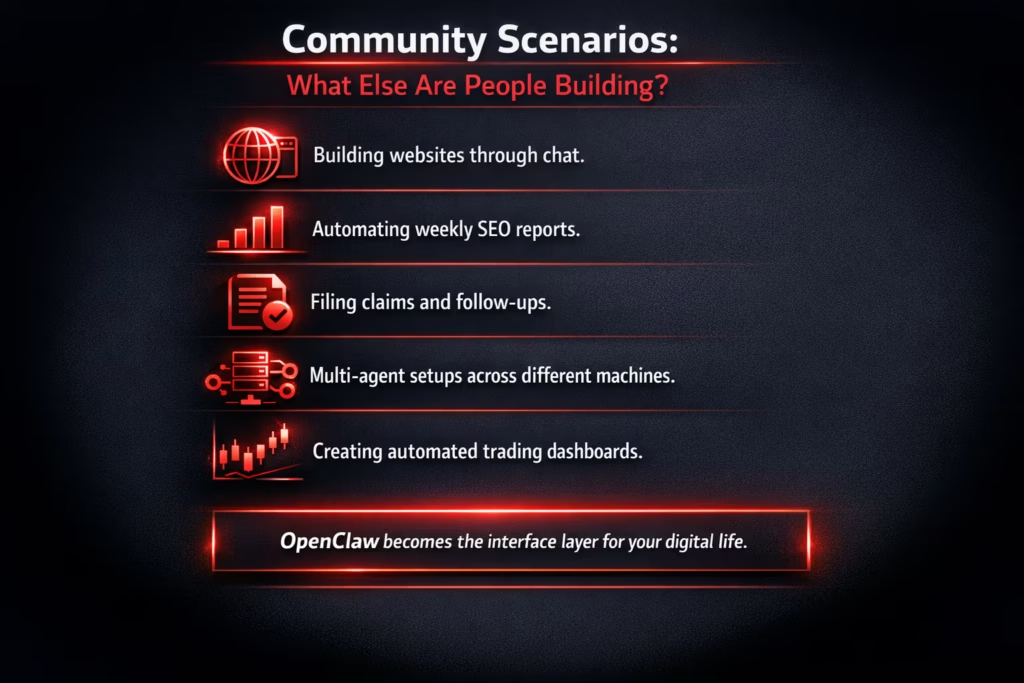
The strongest evidence of flexibility comes from how people are actually using it.
Examples include:
- Building websites through chat.
- Automating weekly SEO reports.
- Filing claims and handling follow-ups.
- Managing meal planning and grocery logistics.
- Running multi-agent setups across different machines.
- Creating trading dashboards with automated summaries.
What stands out is not the individual tasks. It’s the pattern. OpenClaw becomes the interface layer for many parts of someone’s digital life.
Running OpenClaw Locally vs on a VPS
You can run OpenClaw on a laptop or a small home server. For many personal workflows, that’s enough.
However, if you want 24/7 scheduled tasks, continuous monitoring, background automation, and remote access, hosting it on a VPS makes more sense.
A VPS setup allows persistent uptime, isolated environments, and better resource allocation.
That said, access control matters. OpenClaw should not run as root. Permissions should be limited. Secrets must be stored securely. Misconfiguration is not theoretical. It can have real consequences.
Final Perspective
OpenClaw is not a chatbot. It is closer to a programmable operating layer for your digital tools. It listens, routes, and executes.
The reason people build with it is simple. It removes friction from repetitive actions. It centralizes control. It turns natural language into structured workflows.
Email summaries. Code reviews. Meal plans. Smart home routines. Daily briefs. Project management.
When configured carefully, it becomes a quiet system running in the background. Not flashy. Not noisy. Just functional.
And in a world full of dashboards and notifications, that quiet reliability is often the most valuable feature of all.
FAQ
Not at all. Developers tend to push it further because they are comfortable wiring things together, but many everyday use cases have nothing to do with code. People use it to manage grocery lists, summarize emails, coordinate family schedules, or generate daily briefings. If you can describe what you want in plain language, you can start building something useful.
You can run it locally on your own device, and for light personal use that is often enough. The main reason people move to a VPS or dedicated machine is uptime. If you want it sending reports at 6am, monitoring pipelines, or running background agents overnight, it needs to stay online. That said, more power means more responsibility. When it has access to email, files, or shell commands, you need to think about permissions and isolation.
A chatbot answers. OpenClaw acts. That is the real distinction. It does not just summarize your inbox. It can draft a reply. It does not just tell you about a build failure. It can check logs, suggest a fix, and open a pull request. It sits between your language and your tools, which changes the dynamic completely.
It can be, but only if you configure it carefully. The safest approach is to follow least privilege principles. Give it only the access it needs. Start small. Log everything. Avoid running it as root. Be cautious with browser automation. OpenClaw is powerful because it can take real actions. That also means you should treat it with the same care you would give any system with shell access or API keys.
Yes, and many people already do. From onboarding new clients to generating KPI reports, summarizing meetings, and managing lightweight operations, it works surprisingly well as a small operations layer. It is especially useful for solo founders or small teams who want structure without adding another SaaS tool to the stack. You can build your own workflows instead of adapting to someone else’s.
One agent is enough to get started. Multiple agents make sense when you want separation of roles or context. For example, you might want one focused strictly on coding and another dedicated to research or marketing. The multi-agent setups are powerful, but they are not required. Think of them as scaling your system, not as a prerequisite.
Start with something simple and practical. A morning brief. An email summary. A shared grocery list. A weekly build notification. The best first use case is one that removes a small annoyance from your day. Once you feel that benefit, you will naturally see where it can go next.